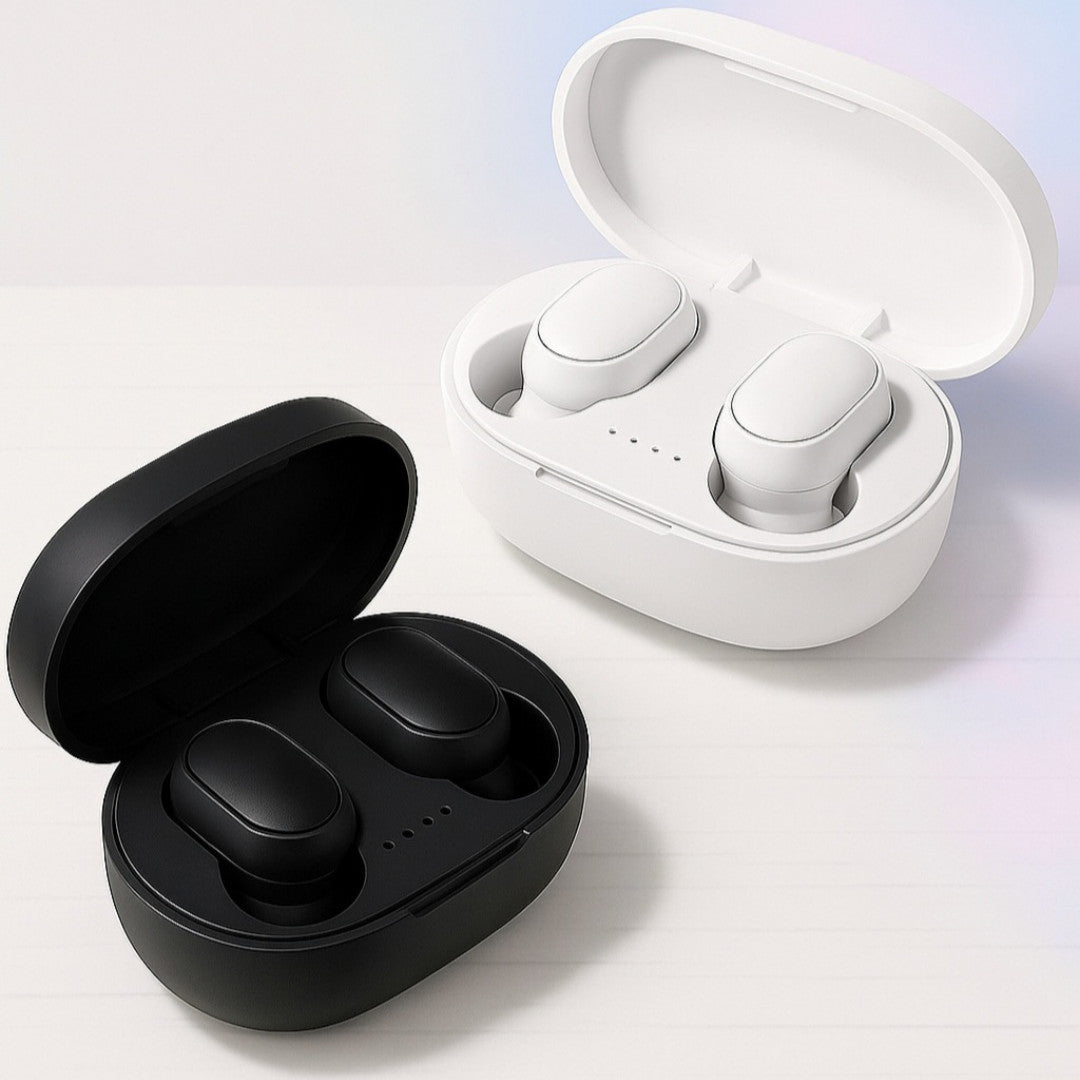
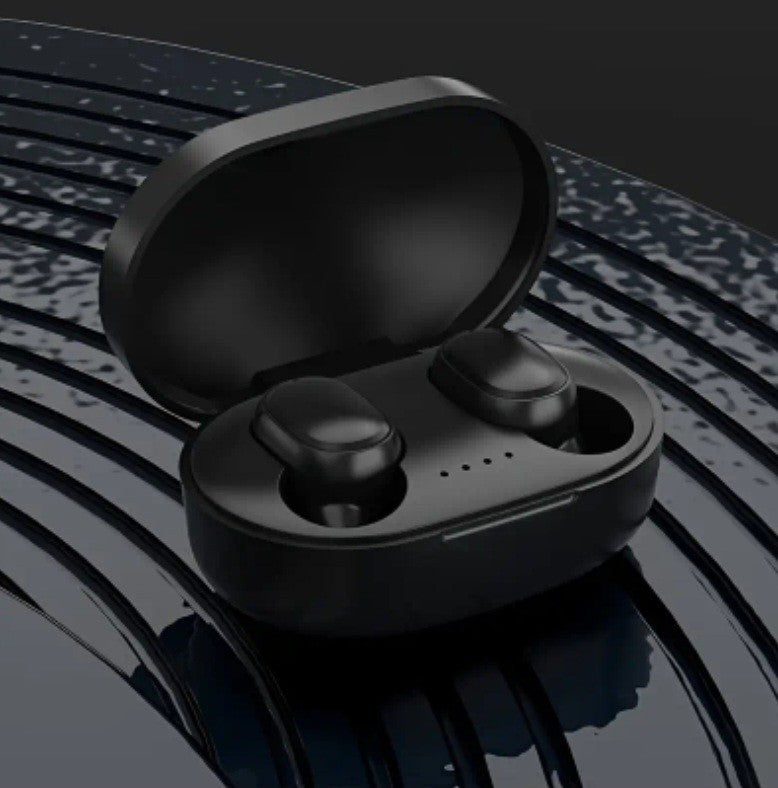
Make sure to take off the blue protective sticker from the headset prior to using it! Also, charge the headset fully before using it!
Kindly review the instructions thoroughly before utilizing the product.
To pair the device: First, remove the headset from the charging case; it will power on automatically and the indicator light will blink. Next, enable the wireless feature on your phone, look for "TWS" in the available devices, and select it. The headset's indicator light will turn off, indicating a successful connection.
2. To power on without the charging case, press and hold the button area on the headset for 3 seconds until you hear a prompt indicating "power on". The indicator light on the headset will blink. Then, enable the wireless function on your phone, search for "TWS", and click to connect. The indicator light turning off signifies a successful pairing. 3. When the headset is paired for the first time, simply removing it will automatically connect it to the previously paired device.
4. If only one headset is producing sound, please go through step 1 or step 2 again. If that doesn't resolve the issue, check if the product has power.
Function overview: 1. To power on/off: remove it from the charging case to turn it on automatically, or press and hold the headset for approximately 3 seconds to turn it on; place it back in the charging case to turn it off automatically, or press and hold the button area on the headset for about 3 seconds to switch it off.
2. Voice assistant: make sure the headset is linked, press and hold the button area on the headset for three seconds and then release it. 3. Play or pause: tap the left or right earphone button area to pause the music while it's playing; tap the left or right earphone button area to resume playback when it's paused. 4. Previous/next track: press the left earphone button area three times to go to the previous track; press the right earphone button area three times to skip to the next track.
5. To adjust the volume: press the left earphone button area twice to lower the volume; press the right earphone button area twice to raise the volume. 6. To answer or end a call: press the left or right ear button area once. 7. To decline a call: double-click the button area on the left or right headset.
Charging process: First, connect one end of the charging cable to the charging box and the other end to the power source to begin charging the compartment. The blue light on the charging compartment will blink, and once the indicator light on the charging box stops flashing, the charging is finished.
To charge the headset, place it in the charging compartment for automatic charging. While charging, the indicator light on the headset will turn red. Once fully charged, the light will change to blue and then turn off after a few seconds.